The app
The app's pages, and finding them on a phone, a tablet or a computer.
The app opens from Open the app in the top bar.
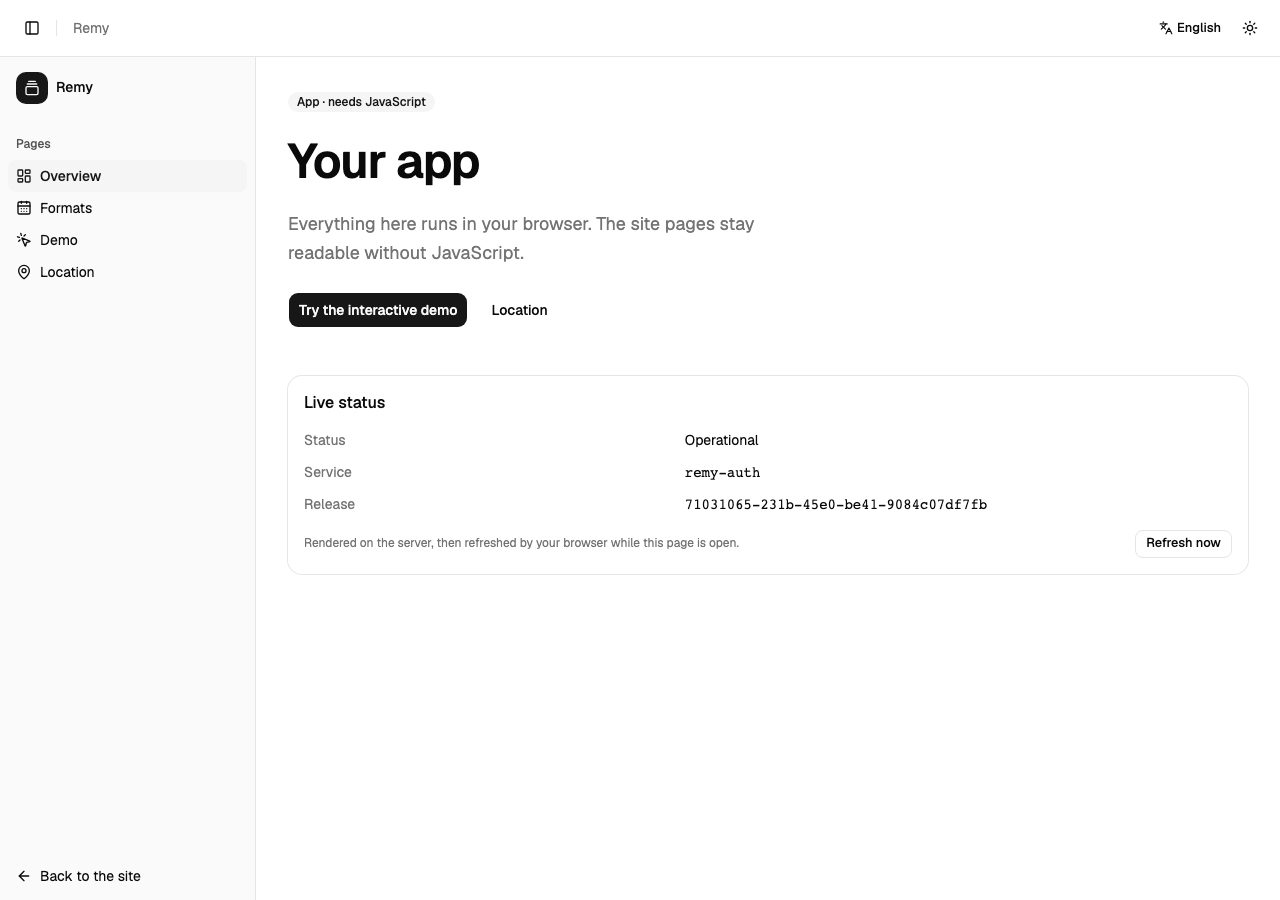
| Page | What it does |
|---|---|
| Overview | Where you are in the app, and what each page is for |
| Formats | The same values as the site's Formats page, inside the app |
| Clock | The time now where you are and in the time zones you add; the address keeps them, so you can share it |
| Account | Your sign-in, once signing in arrives |
| Demo | A counter and a reservation form, to try the app |
| Location | Your time zone and region, as your browser reports them |
| Settings | Your language and light or dark appearance, and what your device tells the app |
Getting around
- On a phone, the bar at the bottom holds Overview, Formats, Clock and Account. More opens every page, the guide and the way back to the site.
- On a tablet or computer, the list of pages is down the side. The button at the top left shrinks it to icons and back.
Developers: how the app is built is in the developer docs.