# Ask your AI assistant (/docs/ai-assistants)
This guide is for people **using the Remy app**. Your AI assistant can read it through one address, the
guide's MCP server:
```text
https://remy-auth-docs.gedw99.workers.dev/api/mcp/docs
```
It only has this product guide. Building Remy, or calling its API, is in the
[developer docs](/dev/ai-tools) instead.
## ChatGPT [#chatgpt]
1. Settings → **Security and login** → turn on **Developer mode** (your account or workspace has to allow it).
2. **Plugins** → **+** → name it `remy-product-guide`, paste the address above, create.
3. In a chat, pick it from the **+** menu and ask about Remy. Deep research can use it too.
## Claude [#claude]
Settings → **Connectors** → **Add custom connector** → paste the address above.
## Gemini and Google [#gemini-and-google]
Gemini and Google's AI Mode find this guide through Google Search, with nothing to set up. Gemini CLI
can add the address above: `gemini mcp add --transport http remy-product-guide https://remy-auth-docs.gedw99.workers.dev/api/mcp/docs`.
## Any assistant, without setup [#any-assistant-without-setup]
Give it [`/docs/llms.txt`](https://remy-auth-docs.gedw99.workers.dev/docs/llms.txt) (every page with a line about it) or
[`/docs/llms-full.txt`](https://remy-auth-docs.gedw99.workers.dev/docs/llms-full.txt) (the whole guide). On each page, **Open** sends that page
to ChatGPT or Claude.
# The app (/docs/app)
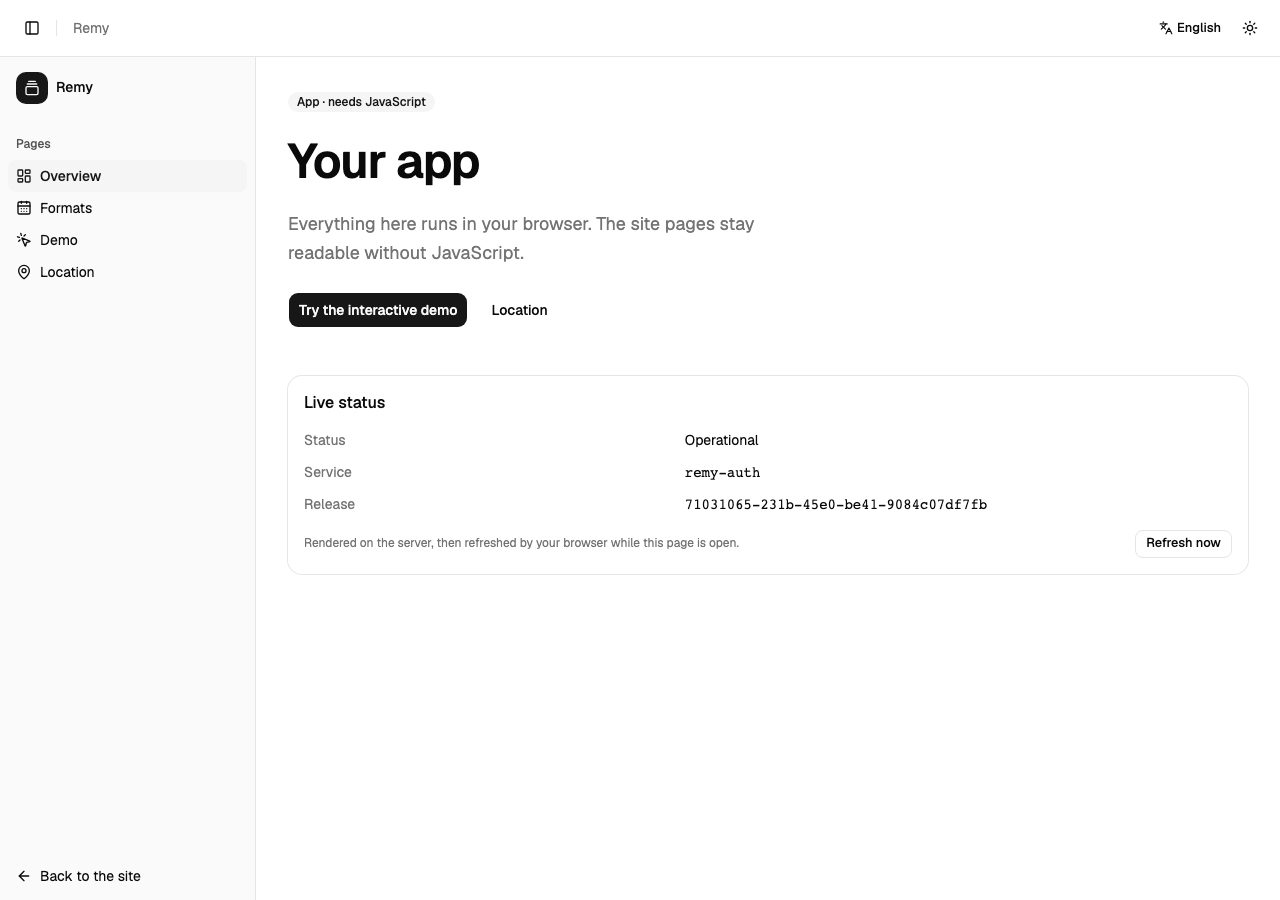
The app opens from **Open the app** in the top bar.
| Page | What it does |
| -------- | ----------------------------------------------------------------------------------------------------- |
| Overview | Where you are in the app, and what each page is for |
| Formats | The same values as the site's [Formats](./formats.mdx) page, inside the app |
| Clock | The time now where you are and in the time zones you add; the address keeps them, so you can share it |
| Account | Your sign-in, once signing in arrives |
| Demo | A counter and a reservation form, to try the app |
| Location | Your time zone and region, as your browser reports them |
| Settings | Your language and light or dark appearance, and what your device tells the app |
## Getting around [#getting-around]
* **On a phone**, the bar at the bottom holds Overview, Formats, Clock and Account. **More** opens every
page, the guide and the way back to the site.
* **On a tablet or computer**, the list of pages is down the side. The button at the top left shrinks it
to icons and back.
Developers: how the app is built is in [the developer docs](/dev/gui).
# Questions (/docs/faq)
Thirteen: English, Spanish, Arabic, Persian, Hebrew, Thai, Japanese, Traditional Chinese, Hindi,
Amharic, Polish, Turkish and German.
Arabic, Persian and Hebrew are written right to left, so the whole page turns with them.
The site's pages and this guide do. The app needs JavaScript.
Yes: see [Ask your AI assistant](./ai-assistants.md).
# Formats (/docs/formats)
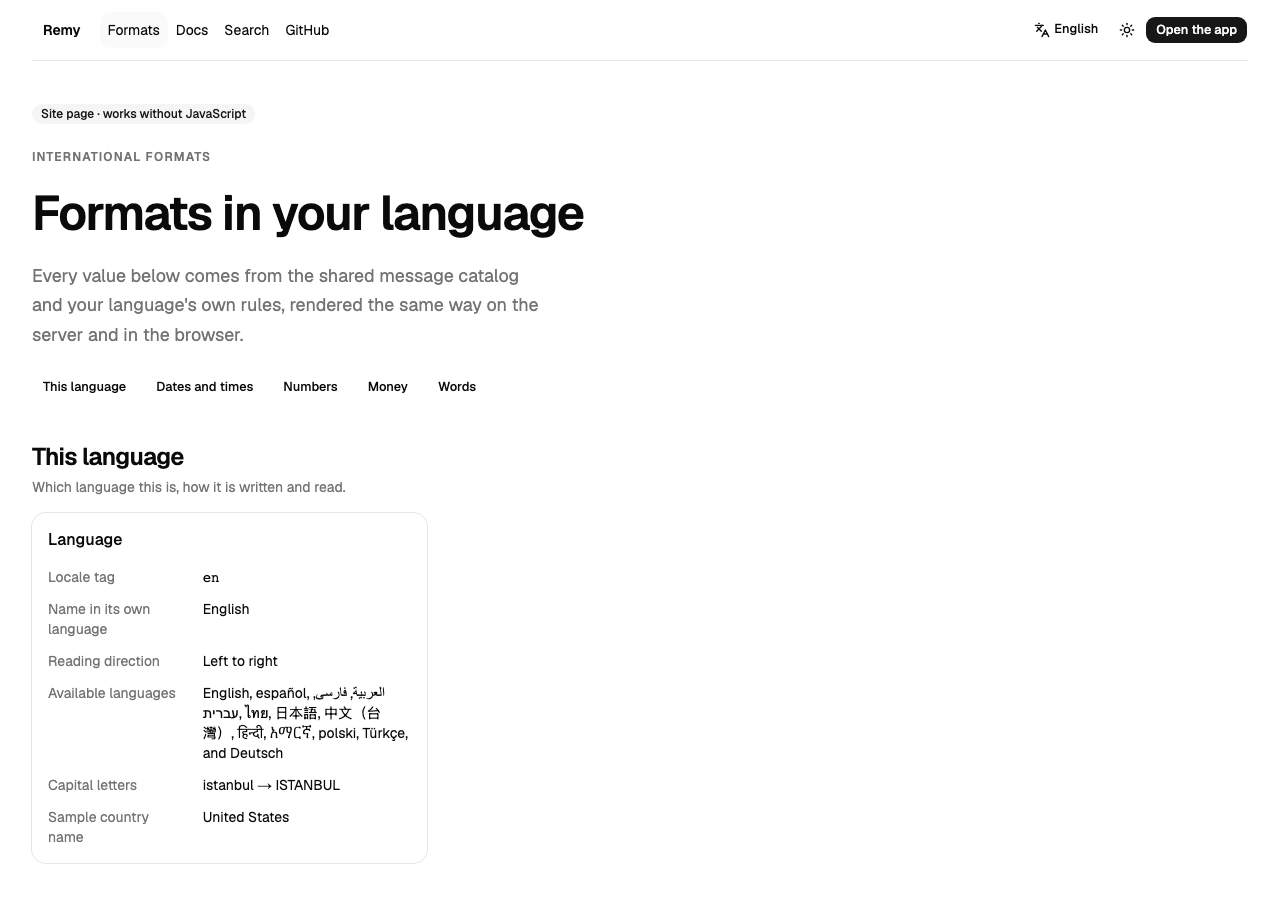
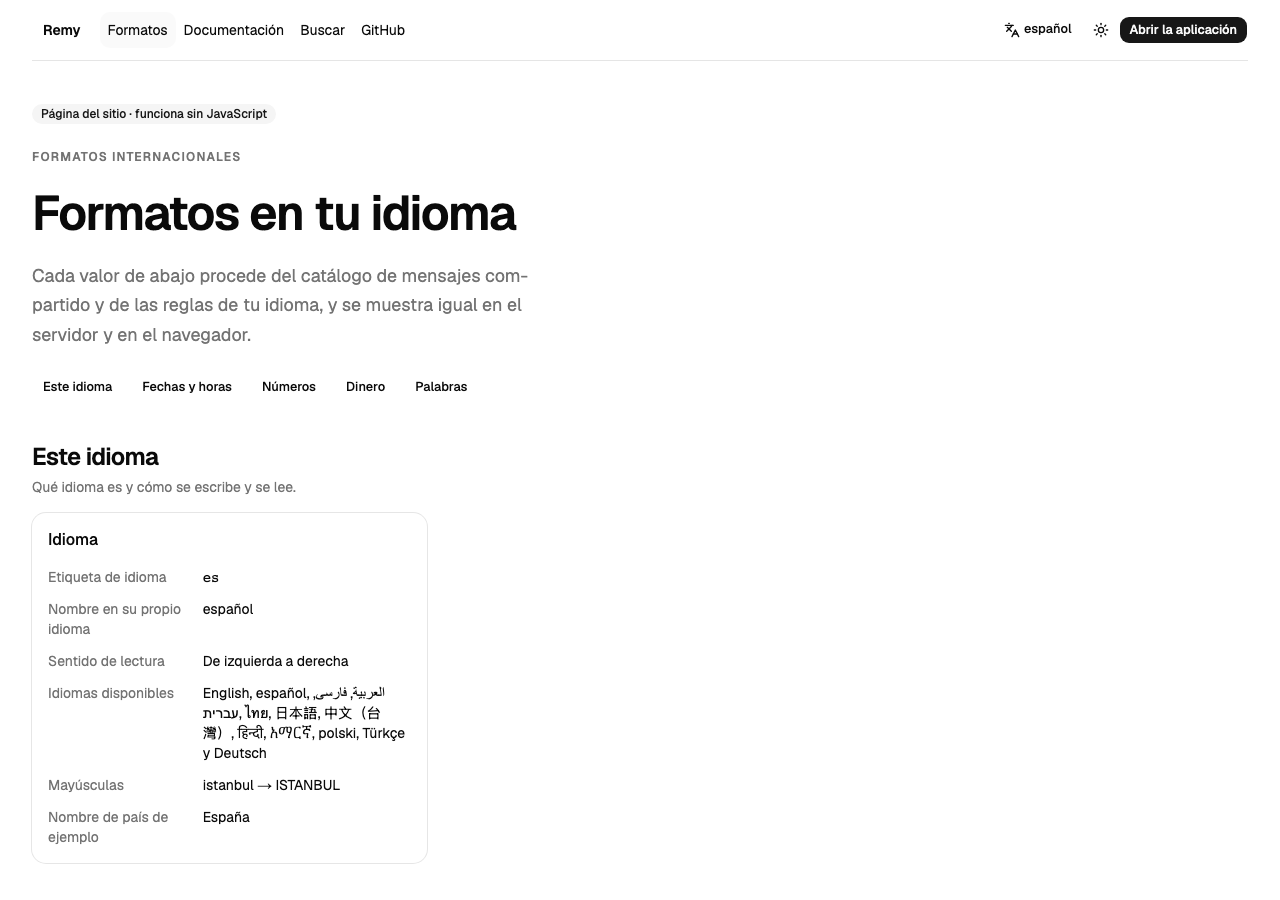
The Formats page shows one set of values the way your language writes them: dates, times, numbers,
money and the direction of the text.
## A short tour [#a-short-tour]
## Change the language [#change-the-language]
### Open the language menu [#open-the-language-menu]
Choose the language button in the top bar.
### Pick a language [#pick-a-language]
The page reloads in that language, at the same address with its language code (`/es/formats`).
### Read the values again [#read-the-values-again]
Dates, numbers and money now follow that language's rules, as the
[Unicode CLDR](https://cldr.unicode.org/) defines them.
# Welcome to Remy (/docs)
**For people using the Remy app.** Building it, or calling its API? That is the
[developer docs](/dev).
Remy apps work in thirteen languages, right to left as well as left to right, and show dates, numbers
and money the way each language writes them.
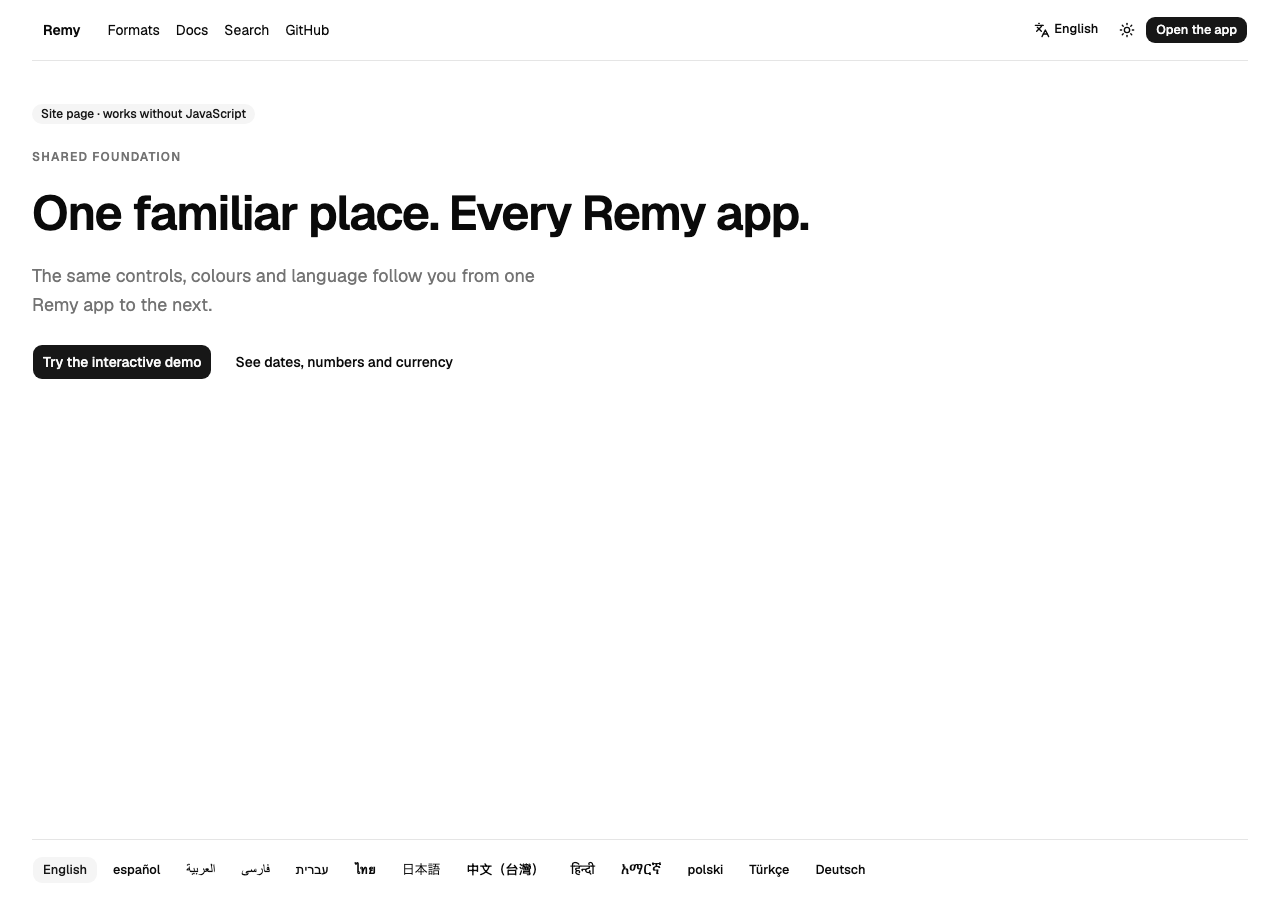
Site pages, like this guide, work without JavaScript. The app itself needs it.
## Start here [#start-here]
How dates, numbers and money read in each language.
What the app's pages do.
Answers to common questions.
# What's new (/docs/whats-new)
This page is written by hand for the people using the app. The developer changelog, with every
package release, is in the developer docs.
## September 2026 [#september-2026]
* The guide: how languages, formats and the app work, with pictures and a short video.
* The app in thirteen languages, right to left as well as left to right.