# Formats (/docs/formats)
The Formats page shows one set of values the way your language writes them: dates, times, numbers,
money and the direction of the text.
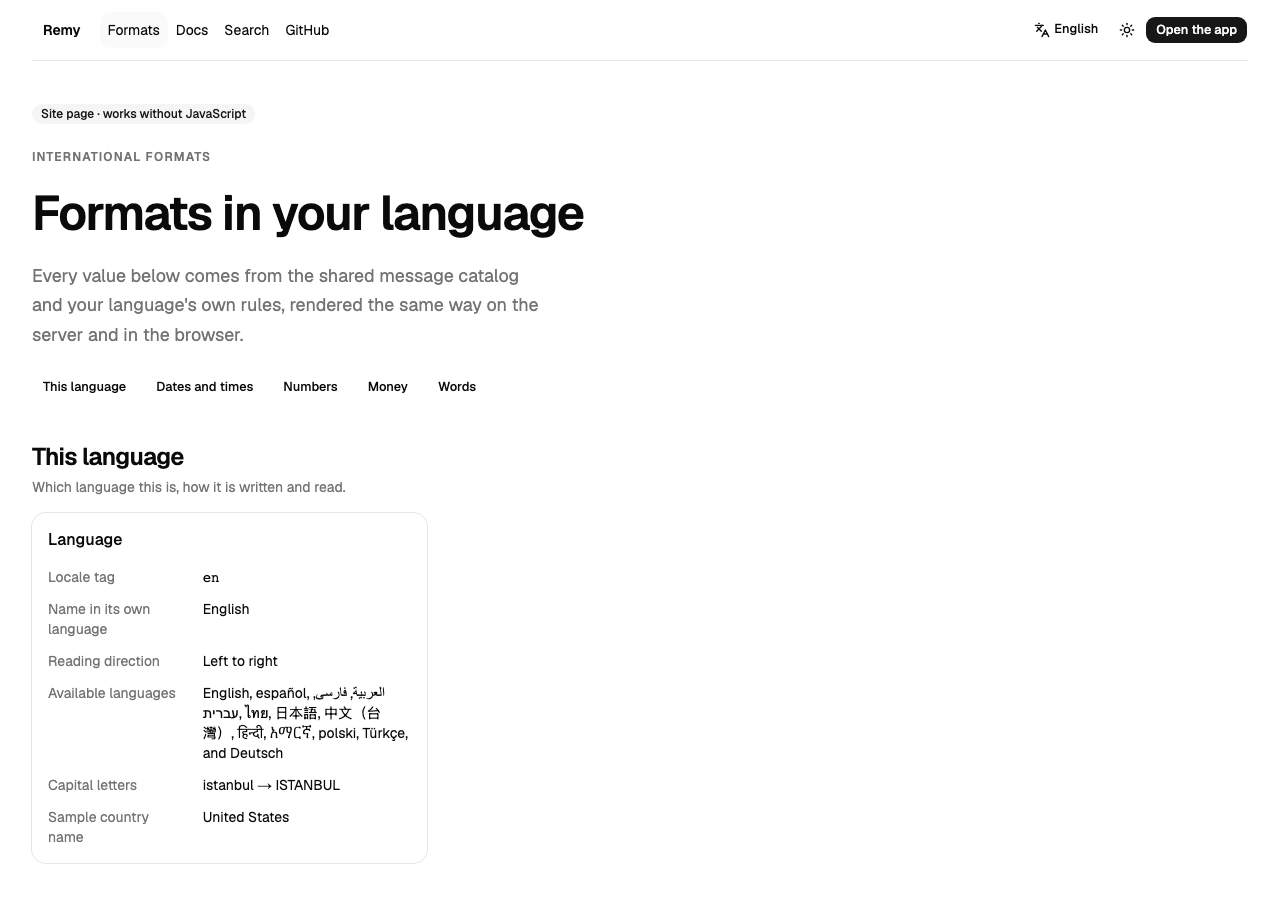
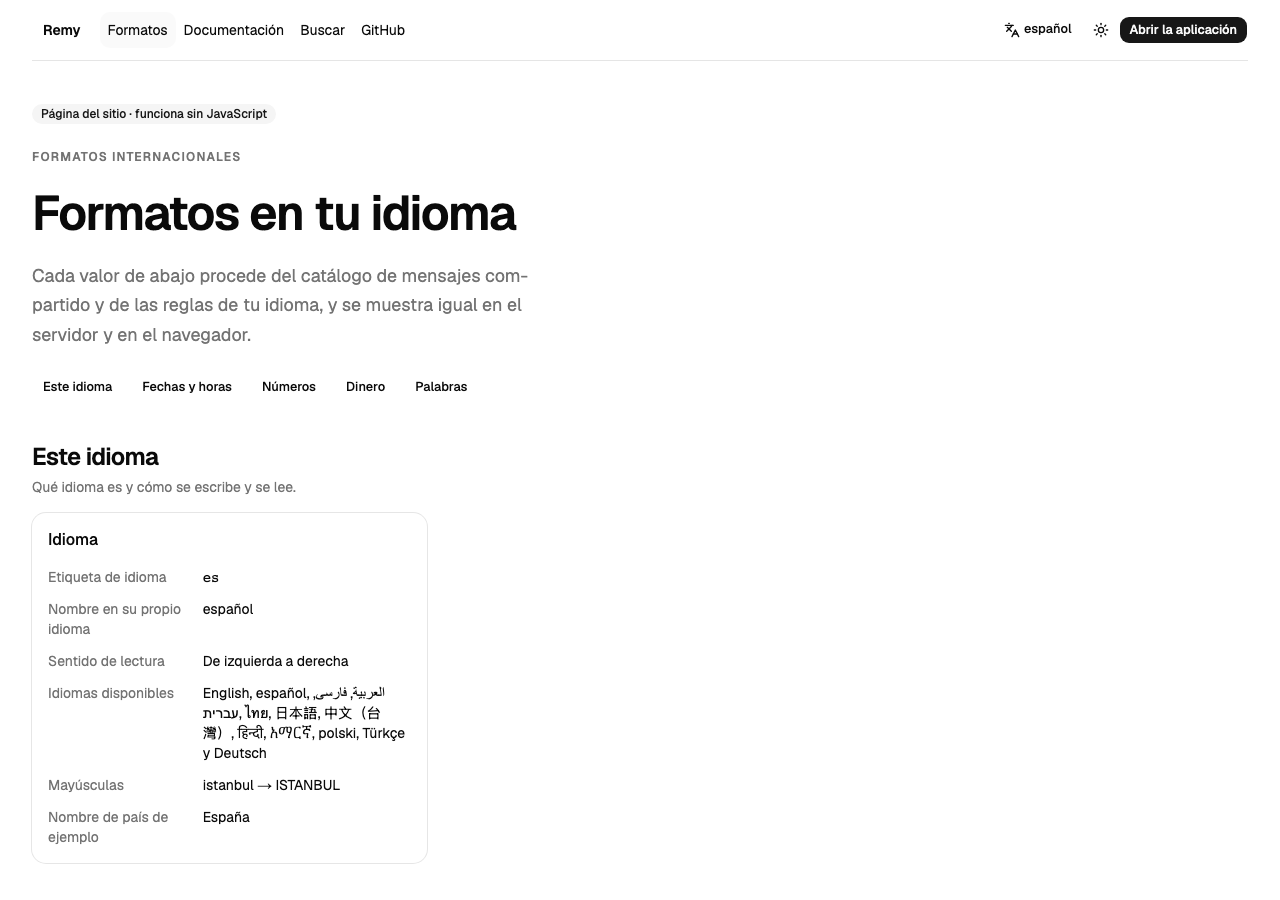
## A short tour [#a-short-tour]
## Change the language [#change-the-language]
### Open the language menu [#open-the-language-menu]
Choose the language button in the top bar.
### Pick a language [#pick-a-language]
The page reloads in that language, at the same address with its language code (`/es/formats`).
### Read the values again [#read-the-values-again]
Dates, numbers and money now follow that language's rules, as the
[Unicode CLDR](https://cldr.unicode.org/) defines them.